


On clicking the Purchase Membership button you will be redirected to the Ticket Tailor checkout.
Select the membership type required – Standard, Concession or Under-30/Full-time Student – using the dropdown on the left.
Select the number of memberships you wish to buy using the plus-minus controls on the right.
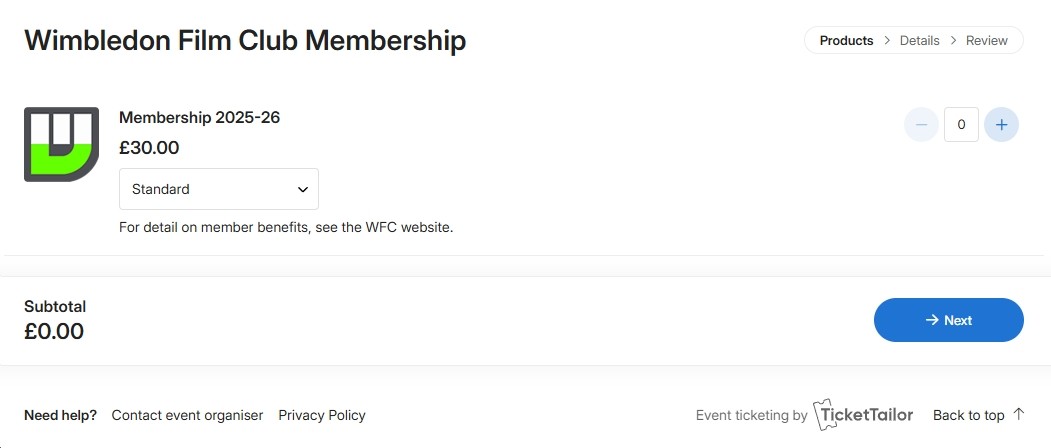
NB: You can buy more than one of each type and also multiple types in the same transaction. After payment, you will be able to specify the individual member details – e.g. if you’re buying for a partner.
Press the ‘Next’ button and proceed to the checkout.
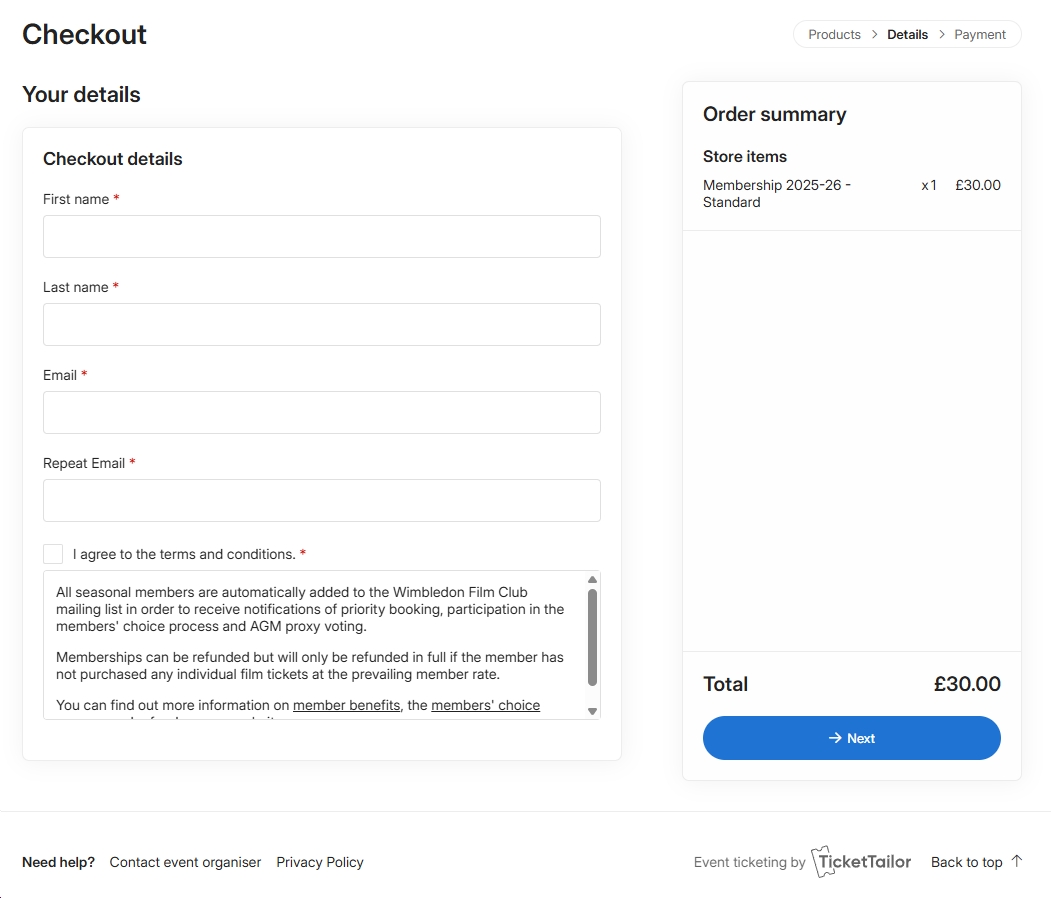
You will now need to enter your details as the buyer, i.e. your name and email address. You will also need to tick the checkbox to confirm that you agree to the terms and conditions detailed below. This is required. Then click the ‘Next’ button to proceed to payment.
You can either pay through your PayPal account, if you have one, or use a debit or credit card. Click either the yellow or black button accordingly. If you are paying by card, PayPal will require you to enter a billing address. Make sure this is set for UK input (e.g. it says post code not zip code): there will be a small flag on the right indicating your country. If necessary, click the flag to correct (if you are using a VPN, PayPal may misidentify your country and not accept your post code).

After completion of payment, you will see the following confirmation notice. A confirmation email will also be sent to the buyer’s email for each purchased membership.
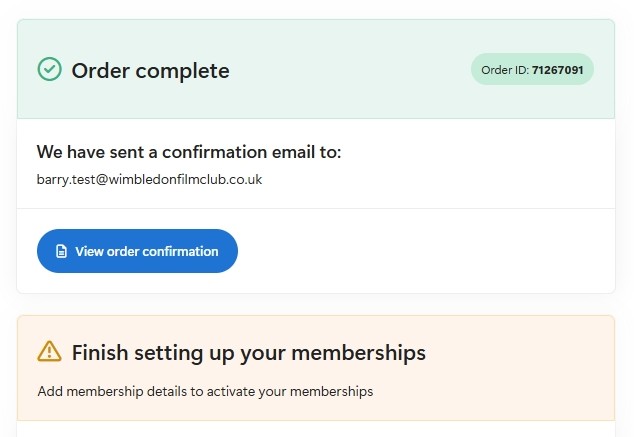
You can now finish setting up the membership in the section below. If you’re buying a membership for yourself, tick the “Use ticket buyer details” checkbox. If you are buying on behalf of another, enter their details instead. Finally, click the Activate button.

If you don’t activate the membership at this stage, you can do so later by clicking the ‘Add membership details’ button in the email sent to the buyer address with the subject: “Action required: provide membership details”
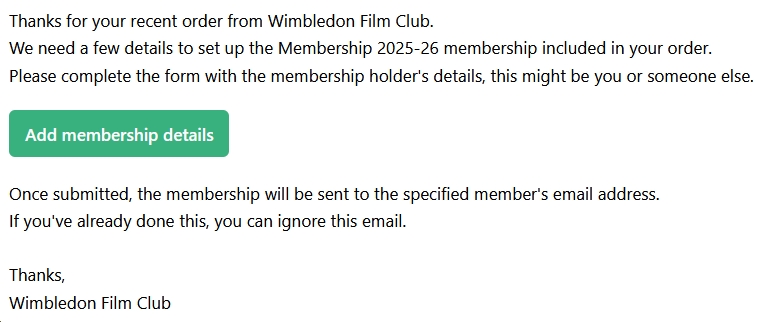
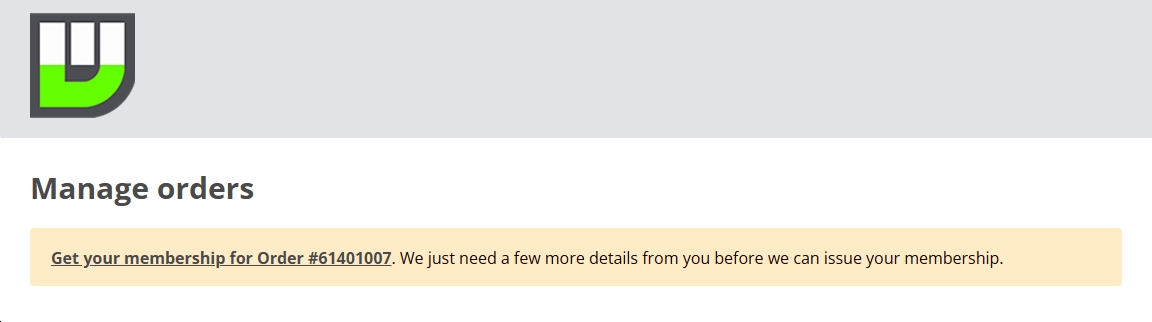
This will take you to the Ticket Tailor self-service page. There will be a prompt to ‘Get your membership’. Just click this.
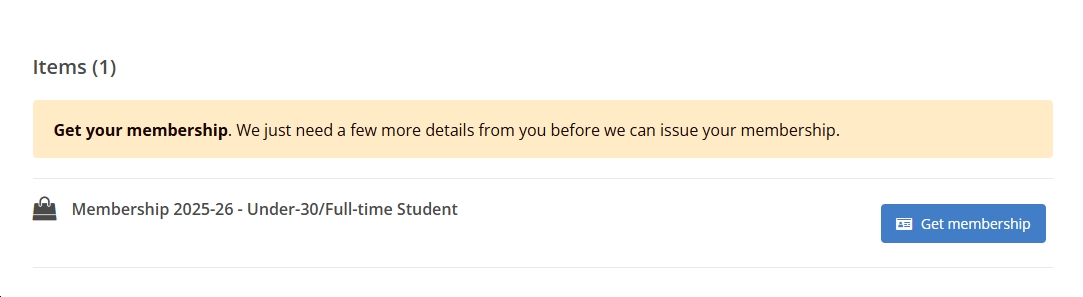
For each membership purchased, click the blue ‘Get membership’ button and then fill in the name and email address for the relevant member.
On completion of the membership registration, you (and any other member you have registered) will receive a further email confirming your 8-digit membership code. This will look something like MM1A2B3C.
This code should be entered at the checkout when buying screening tickets. This will give you access to discounted member and guest tickets and will also prefill the buyer name and email address with your member details. For more on this, see our buying a ticket guide.
We will separately send you a courtesy “Welcome to the Wimbledon Film Club” email outlining your benefits as a member and reconfirming your membership code.
If you ever mislay your code, we can easily retrieve it for you. Just go to our Contact Us page and make sure you use the email address associated with your membership.
Note: Membership is annual, running from September to July, and must be renewed each season. Seasonal membership codes will expire in July – they do not carry forward. When you renew membership, you will be issued with a new code.